Welcome to uTalk
Get ready to start learning languages!
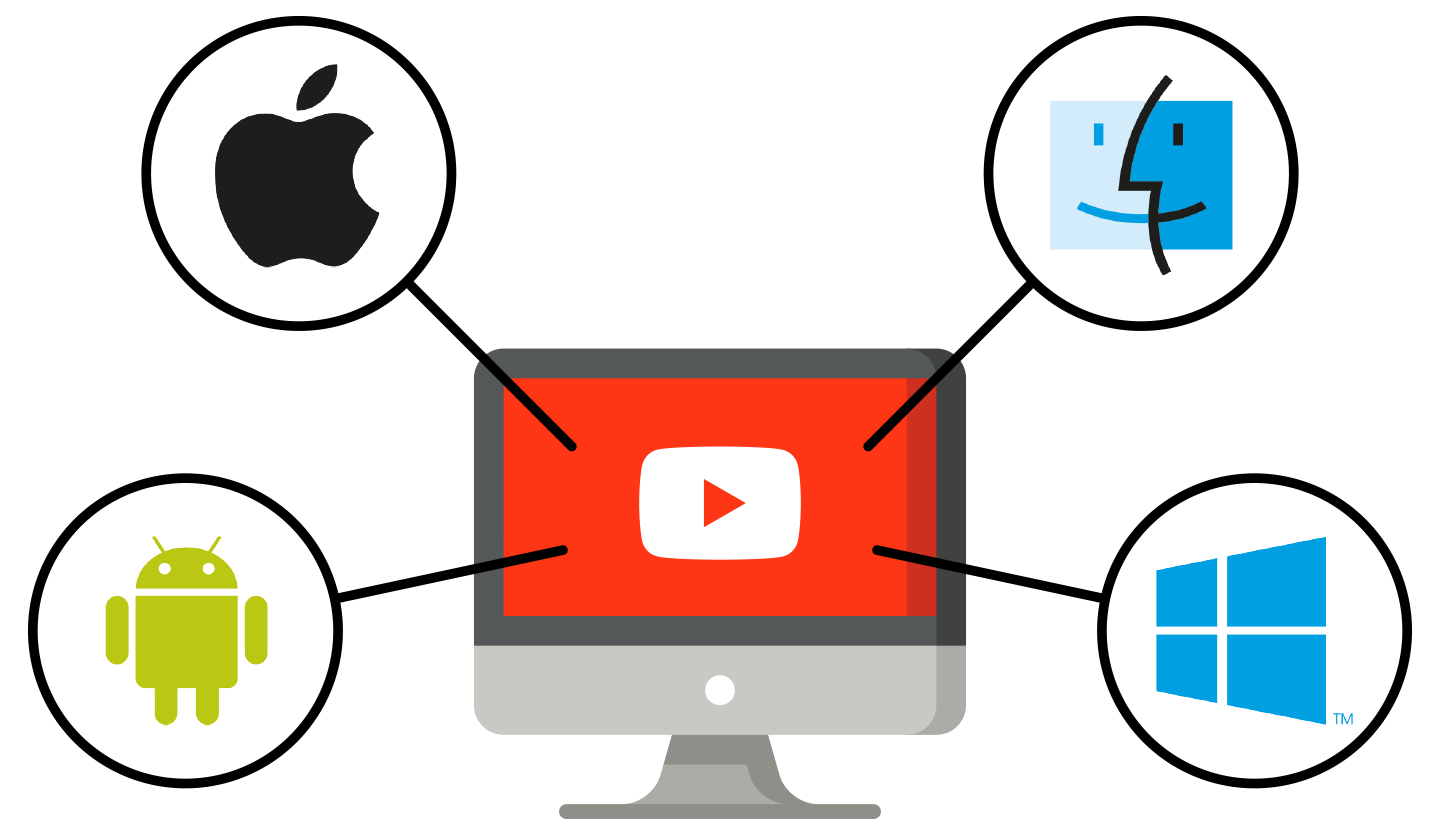
Fill in the form, choose what you'd like to learn, then download the uTalk app
You only need to do this once. Your languages are in the uTalk app.
Fill in the form, choose what you'd like to learn, then download the uTalk app
You only need to do this once. Your languages are in the uTalk app.